

What model of label printer is that?


What model of label printer is that?
So far I just keep recipes in whatever I’m using for notes.
Some of these dedicated programs look interesting though. Thinking about it, it would be handy to have some dedicated cooking features, like being able to search for recipes by ingredients.


I would also recommend openSUSE Tumbleweed. I’m usually a Debian/Debian-based person but I’ve been running Tumbleweed on my desktop for a few years now and it’s been great.
It has a few peculiarities like any distro but it’s been very stable, with few issues even with things like Nvidia drivers. Docs and community seem good too.
There are 4 bay units that would fit on a 10” inch shelf. I’ve seen some DIY projects too.
Using SFF/mini PCs is also popular, there are models that can take multiple SATA/NVMe drives
There are few if any 10” UPS units available anyway so weight is less of a worry. It’s one of the biggest weaknesses of the 10” system currently.
Power costs vary a lot around the world, depending on where OP lives every little saving can help.
The Pico 2 board is still using a Micro USB connector, would have been nice to see that changed to USB C.
Depends on your computing platform.
I see another reply has already covered Linux.
On a Mac, press and hold a character key and a list of accent characters will appear. There are also dead key combinations using the option key to enter special characters directly.
I like containers. But they do have a habit of nurturing cludgy temporary hacks into permanent infrastructure, by sweeping all the ugly bits under the big whale-shaped rug.


Quake 2 also had a Linux port, as did Return to Castle Wolfenstein. iD Software was one of the few early supporters of Linux for commercial games.


Return to Castle Wolfenstein also had an official Linux port in 2002-ish.
I see a lot of people saying they have to use a GUI tool for partition management, and I’ve never understood why.
Text based tools like parted are fairly easy to use, at least compared to other terminal tools the same people are able to use for other tasks.
What is it about partitioning that needs a GUI when other tasks don’t? Is it the visual representation of the partition layout? A general fear of borking a disk?


macOS offers a lot of stability, it’s reliable, predictable, boring even. It works out of the box and stays that way, it survives upgrades, and rarely crashes.
The release cycle is steady, and changes are generally gradual and incremental. Mac users don’t usually have to worry about a new release breaking their system or their workflow because a developer wants to reinvent the wheel or a UI designer wants to make their mark. The only big shifts have been processor transitions.
The Mac ecosystem also allows users to have a foot in both the proprietary and open source ecosystems on a single platform. Being able to run, say, web development environments and Adobe CS for example, can be a lot easier than farting around with Wine or WSL.
Granted, there’s plenty of downsides to the Mac as well, but the platform definitely has merits.


Both HFS Plus and APFS can have case sensitivity enabled, it’s optional.
Enabling it has had a tendency to break third party Mac software though. Adobe used to be a particularly bad offender there.


That would have been a big improvement for homelab uses, but it’s probably considered a niche feature overall, hence the PoE Hat.
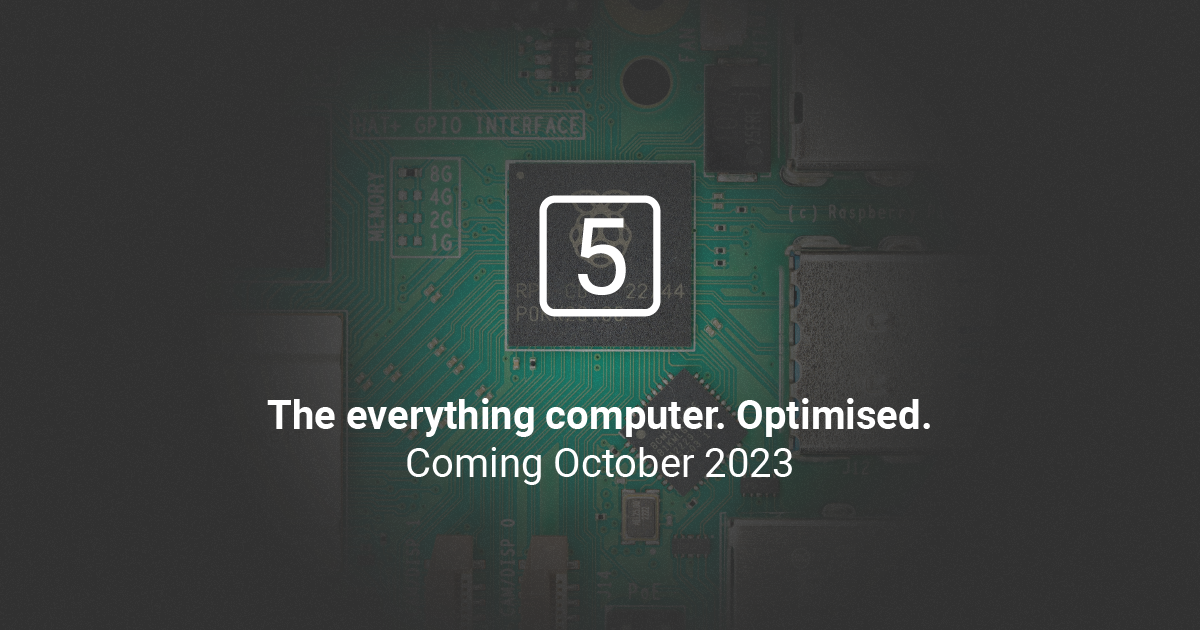
I’m wondering how it will work now they are pushing a dedicated cooler however. The PoE Hat has a little fan but doesn’t allow for heatsink. Perhaps there will be a new Pi5 PoE Hat.
EDIT: The PoE header on the Pi 5 has been moved, so a new PoE HAT will be required, but has not been announced yet.


Availability has been improving recently, at least in my country (UK).
While the hardware specs are often more compelling, the problem I find with the Pi alternatives is they usually depend on custom images and kernels. Pi hardware may be less ideal but I feel more confident it will have lasting software support.
UniFi Protect now has limited ONVIF support allowing various 3rd party cameras to work with Protect.
UniFi cameras can have RTSP enabled also, but it requires UniFi Protect to enable the setting.